![Broadcast Pix, Inc. [US] Logo](https://broadcastpix.com/wp-content/uploads/2018/05/broadcastpix-inc-sticky-logo7.png)
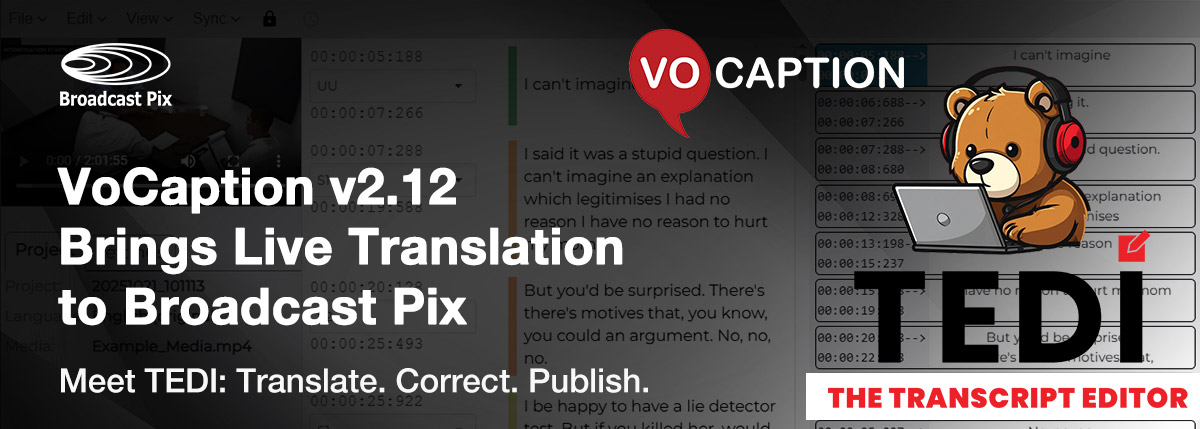
Tyngsborough, Mass. – July 30, 2026 – Broadcast Pix is excited to announce the release of VoCaption v2.12, the latest update to the automated live captioning option built directly into every Broadcast Pix Integrated Production System. Whether you’re running a Hybrid, Roadie, or StreamingPix system, this release brings major upgrades to accuracy, translation, workflow flexibility, and ease of use, all without adding a single extra step to your production.
VoCaption is a live captioning solution developed by our partners at BroadStream Solutions, and it’s seamlessly integrated into every Broadcast Pix system. Using advanced ASR (automated speech recognition) technology, VoCaption generates accurate, real-time captions with no manual effort. With v2.12, that same one-touch simplicity now comes with a much bigger toolkit behind it.
What’s New in VoCaption v2.12
Live Translation
VoCaption now translates captions to and from English and more than 30 other languages using cloud-hosted AI. For the best results, output is delivered as subtitle-by-subtitle blocks with a short video delay, giving the translation engine time to process while keeping captions synchronized with your program.
Improved Block Captions
Captions now break more naturally, using punctuation and speech cadence rather than arbitrary line lengths (available with EBU-TT output). An optional short delay allows each block to fully form before it’s displayed, keeping captions clean, readable, and in sync with the audio, making this mode a natural fit for the new translation feature above.
File Correction with TEDI, The Transcript Editor
A new companion tool, TEDI, lets your team quickly correct AI transcription and translation errors after a live event. Instead of recreating captions from scratch, you can polish your existing transcript and reuse it for repeat broadcasts, video-on-demand, or archival distribution.
Integrated Audio Server
Local audio input is now a standard part of VoCaption itself. For most setups, there’s no longer a need to run the separate audio server component, and selecting the right audio feed is simpler than ever.
Smarter File Outputs
File-based caption outputs now use the same punctuation- and cadence-based breaking techniques found in recorded program workflows, for cleaner, more professional results. WebVTT has also been added as a new supported output format.
Higher On-Premises Accuracy
VoCaption now supports GPU-accelerated on-premises transcription, with bilingual language model support and measurable accuracy gains across the board.
Expanded Language Support
New bilingual and single-language models have been added, including Ukrainian and new bilingual language models for English mixed with Mandarin, Malay, Tagalog (Filipino), or Tamil.
What This Means for Your Workflow
For Broadcast Pix users, VoCaption v2.12 isn’t just a captioning upgrade. It’s a workflow upgrade. Live translation and improved block captioning open the door to reaching international or multilingual audiences without adding a translation team. The new TEDI transcript editor means captions generated live don’t have to be thrown away or redone by hand; they can be refined and repurposed for on-demand content, archives, or future broadcasts. And with the audio server and control interface now built directly into VoCaption, setup is faster and there’s one less moving part to manage during a live production.
Whether you’re producing a house of worship service, a government meeting, a corporate town hall, or a live stream destined for on-demand replay, VoCaption v2.12 helps you deliver more accurate, more accessible, and more reusable captions, all at the touch of a button.
Get Started with VoCaption v2.12
VoCaption is available as an integrated option across the full line of Broadcast Pix Integrated Production Systems. Current VoCaption users can upgrade to unlock these new capabilities, and any Broadcast Pix Hybrid, Roadie, or StreamingPix owner can add VoCaption for the first time.
To learn more, visit broadcastpix.com/vocaption.
Or contact our team today to see how VoCaption v2.12 can enhance your video production workflow.